

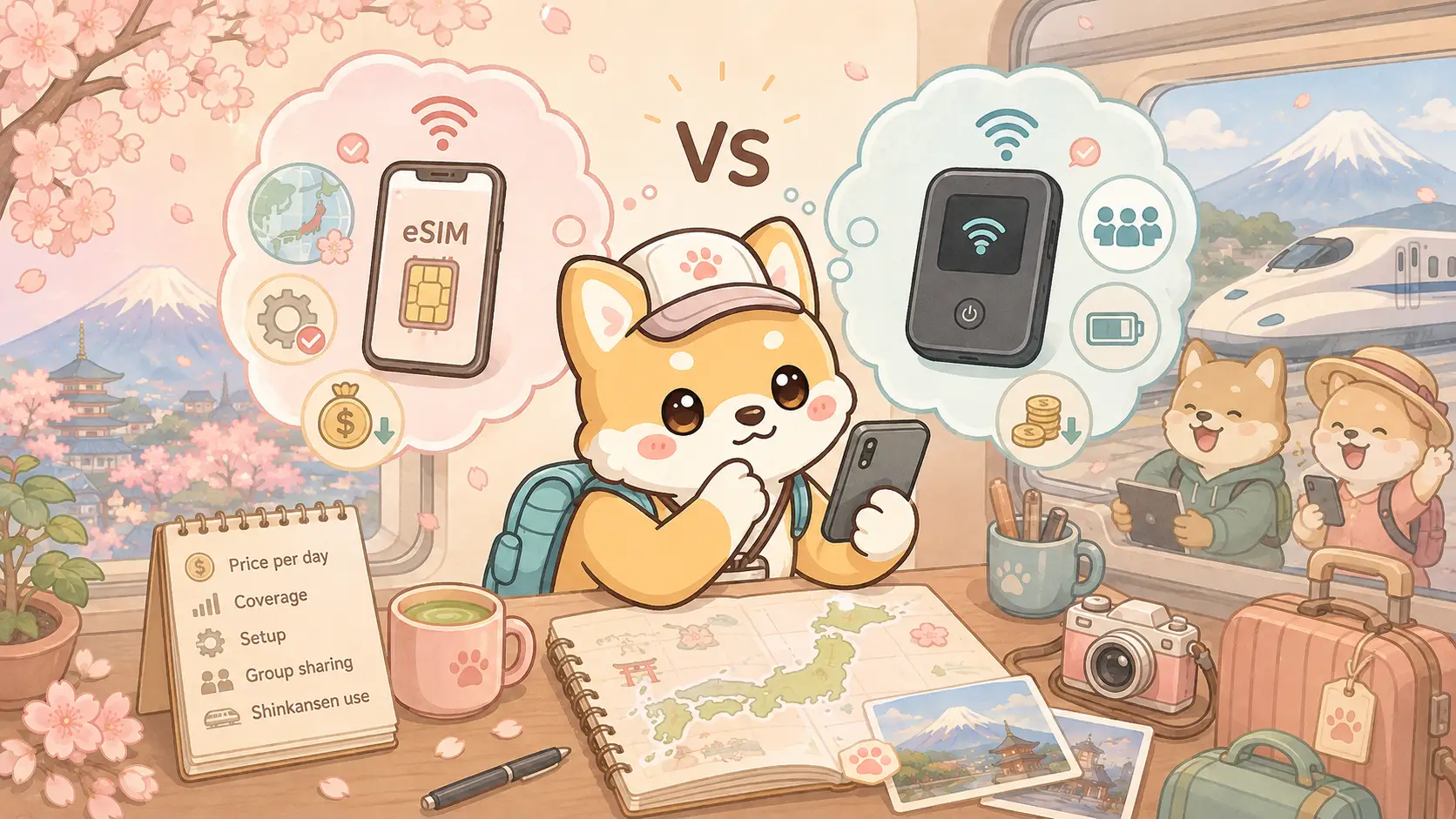
If you are comparing esim vs pocket wifi japan options before your trip, the honest answer depends on how you travel. Solo travelers usually win with an eSIM installed in minutes. Groups often prefer a pocket WiFi router they can share. Both get you online in Japan; the better pick is about convenience, cost per day, and whether you want one more device to charge and return.
This guide walks through the real trade-offs in 2026 — not a brand pitch — so you can choose once and stop refreshing comparison charts at 2 a.m. Put the decision on the base packing checklist before the suitcase zips, and price the line inside your two-week trip budget so connectivity is a quote, not a surprise at Haneda.
Pocket WiFi vs eSIM Japan: the short verdict
When people search pocket wifi vs esim japan, they usually want a one-line answer. Here it is:
- Choose an eSIM if you travel alone or as a pair, have an unlocked phone that supports eSIM, and want the lightest setup.
- Choose pocket WiFi if three or more people need data, you want one shared bill, or your phone cannot install an eSIM.
- Consider both only if you need a backup for work-critical days.
Everything below explains why that split still holds after years of cheaper travel SIMs and denser city coverage.
How each option actually works
An eSIM is a digital SIM profile. You buy a Japan plan online, scan a QR code, install it before or after landing, and switch data to that line. No plastic card. No counter queue if you prepare ahead. Your phone becomes the modem.
A pocket WiFi (also called a mobile WiFi router or “wifi egg”) is a small battery-powered box that connects to a Japanese mobile network and broadcasts WiFi to nearby devices. You pick it up at the airport or hotel, charge it daily, and return it when you leave — or buy a disposable unit if your vendor offers that model.
Both use Japanese carrier networks. Neither requires you to “unlock Japan roaming” on your home plan if you keep home data off and use the local line or router instead.
Japan pocket WiFi vs eSIM for daily cost
Price shifts by season and vendor, but the pattern for japan pocket wifi vs esim comparisons stays stable:
eSIM
- Often priced by total gigabytes or by day with a high cap.
- Good value for 7–14 day solo trips.
- No deposit, no return shipping stress.
- If you burn through video uploads, a cheap plan can throttle — read the fine print.
Pocket WiFi
- Usually a daily rental rate plus possible airport pickup fee.
- Can be cheaper per person when three to five phones share one device.
- Add the mental cost of charging, carrying, and returning the unit.
- Unlimited-sounding plans may still soft-throttle after heavy use.
Rule of thumb: solo traveler → eSIM. Family of four sharing maps and translations all day → pocket WiFi often wins the spreadsheet.
Japan eSIM vs pocket WiFi for speed and coverage
City coverage on both is generally strong in Tokyo, Osaka, and Kyoto. The gap shows up in mountains, rural valleys, and some underground transfer corridors.
At a crowded scramble like the live camera at Shibuya Crossing, either option usually holds for maps and messages. The harder test is a mountain day: trailheads, bus stops above the trees, and valleys where buildings disappear. Before you commit to a remote hike, it helps to remember that “4G everywhere” marketing is still marketing — check your provider’s coverage map for the prefecture you will visit, and keep offline maps downloaded either way.
If you are heading toward highland scenery near the Kamikochi Kappa Bridge live camera area, treat connectivity as helpful, not guaranteed on every bend of the road. That caution applies to both eSIM and pocket WiFi because both ride cellular networks.
Japan travel eSIM vs pocket WiFi when you ride the shinkansen
Japan travel esim vs pocket wifi questions often include trains. On the shinkansen, data commonly works in open countryside and dips in tunnels. Neither product invents magic coverage inside long tunnels. What changes is convenience:
- eSIM: one device, no router bouncing in your bag when you stand near the doors.
- Pocket WiFi: everyone in the group stays online from one box — until the battery dies mid-trip because nobody packed the cable.
If your group lives on shared Google Maps pins between cars, pocket WiFi is socially easier. If you mostly need tickets, translations, and hotel chat on your own phone, eSIM is cleaner.
eSIM vs pocket WiFi in Japan for groups and families
eSIM vs pocket wifi in japan for families is where the “always eSIM” advice breaks.
Shared pocket WiFi means:
- kids’ phones, a tablet, and two adult phones can all join one network;
- you avoid buying four separate eSIM plans;
- one person becomes the “router parent” who watches the battery.
Separate eSIMs mean:
- nobody is stuck when the router person goes to the convenience store;
- each adult controls their own data;
- cost stacks linearly.
For two adults, two eSIMs are often simpler. For five devices, run the daily rental math once — pocket WiFi frequently wins.
iPhone and Android eSIM compatibility
Before you buy anything, confirm your phone is unlocked and eSIM-capable.
iPhone: Many recent unlocked models support eSIM. Dual-SIM setups (physical + eSIM, or dual eSIM on newer units) let you keep your home number for SMS while using Japan data.
Android: Support varies by model and region. Some phones sold with a single SIM tray still accept eSIM; some do not. Check the manufacturer page for your exact model — “Android” alone is not a guarantee.
If your phone cannot install an eSIM, pocket WiFi (or a physical tourist SIM at arrival) is the practical path. Do not discover this at the airport after a long flight.
Setup timeline that actually works
Two days before departure
- Confirm unlock status.
- Buy and test-install the eSIM if your vendor allows installation ahead of travel.
- Or reserve pocket WiFi with airport pickup timed to your landing terminal.
On landing
- Enable the Japan line or power on the router before you leave the arrivals hall.
- Turn off accidental home-carrier data roaming.
- Download offline maps for your first city while you still have strong signal.
Each evening
- Pocket WiFi users: charge overnight like a phone.
- eSIM users: glance at remaining data if your plan is capped.
Common mistakes that waste money
- Buying both “just in case” and never returning the router on time.
- Choosing a tiny eSIM data pack, then uploading 4K vacation videos daily.
- Forgetting the pocket WiFi at a restaurant — it is small and easy to leave behind.
- Assuming hotel WiFi will replace mobile data (it will not, reliably, across two weeks of transit days).
- Installing an eSIM on a carrier-locked phone that rejects the profile.
Which should you choose in 2026?
The short verdict at the top still holds. Only two extras change it: a phone that cannot install an eSIM (use pocket WiFi or a physical SIM), and work calls that cannot fail (primary eSIM plus a cheap backup day-pass or disciplined hotel WiFi — not vibes).
Neither option replaces common sense: keep important tickets in offline wallets, screenshot reservation codes, and do not rely on signal inside every mountain tunnel. Activate before you are jet-lagged in the arrivals hall — airport choice is a separate lever in Haneda vs Narita, and the Haneda Airport live camera is a useful reminder that day-one connectivity happens in a working terminal, not a quiet hotel lobby.
FAQ
Is an eSIM enough for a two-week Japan trip?
Usually yes for one phone with moderate map, transit, and messaging use. Heavy video uploads or hotspotting to a laptop all day may need a larger plan or pocket WiFi.
Can pocket WiFi work for only one person?
Yes, but you carry and charge an extra device for little gain. Solo travelers typically prefer eSIM unless their phone lacks support.
Will either option work underground in Tokyo stations?
Expect mixed results in deep transfer corridors. Both eSIM and pocket WiFi can drop briefly; move toward concourse level if you need a stable map load.
Do I need pocket WiFi if my hotel has free WiFi?
Hotel WiFi helps in the room. It does not help on sidewalks, buses, or when you are lost between exits. Most travelers still want mobile data outdoors.
What if my eSIM QR code fails to install?
Keep the vendor’s support channel open, try installing on hotel WiFi, and have a backup plan (airport counter SIM or same-day pocket WiFi pickup). Do not wait until you are already on a rural bus.
Is pocket WiFi slower than an eSIM?
Not inherently. Speed depends on the network band, congestion, and plan throttling. In busy tourist spots at dinner time, both can slow down.